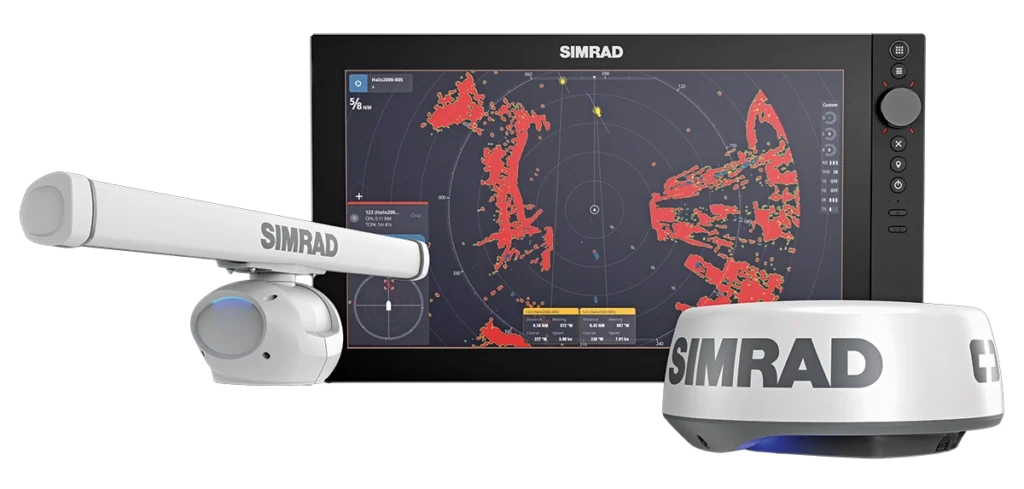
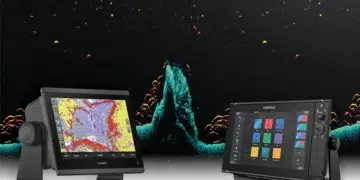
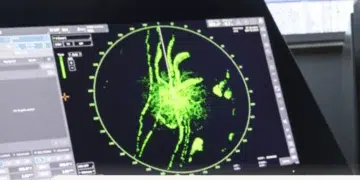
New AutoTrack technology on Simrad HALO radar systems automatically identifies dangerous targets and calculates collision risk in real time.
By Doug Thompson
Why Marine Radar Is Critical for Boating Safety
Radar is a powerful tool for marine safety. It uses radio waves to detect and gauge the distances of surrounding objects on the water in relation to the boat. For captains, it can be invaluable; you can “see” other vessels on your chartplotter in fog, rain, or at night. Many people only turn on their radar in poor conditions and don’t use the more advanced features, such as one that allows them to track other vessels.
Simrad has taken direct aim at the problem of infrequent use with its new AutoTrack feature. Originally launched for the HALO 2000 and HALO 3000 open-array radars, AutoTrack is now fully supported on the Simrad HALO20+ and HALO24 dome radars, and the Lowrance- and B&G-branded HALO20+ and HALO24 dome radars.
“We wanted to make our radar more intuitive, like a car where you are automatically warned if another vehicle is approaching your blind-spot area,” explains Craig McMillian, product manager for the Navico Group, parent company of Simrad. “You don’t set a zone in that instance, and you don’t want to be warned about other vehicles that don’t pose a potential danger to you.”
Subscribe Here For More Boating Content
How Simrad’s AutoTrack Feature Works
Ideally, the radar should be able to decide what to track and determine what is relevant to the captain, and not to track what is not relevant. The user should be able to look at the screen and understand which targets present a collision risk and see quickly and easily which direction and what speed they are moving to determine if evasive action is necessary.
AutoTrack does this by tracking all targets in the background and displaying the targets when they become of interest to the captain. It has the ability to track up to 50 targets simultaneously at ranges up to 24 nautical miles.
“All the targets are already tracked but not displayed,” McMillian says. “That means when a target meets the criteria for AutoTrack, displayed tracked targets are shown on screen immediately—you don’t have to wait for it to acquire. Some other systems will take about 10 scans to acquire the target, which could be 20 or 30 seconds, and this could be the difference between a safe pass or a collision. [It’s] the same for manually watched targets—the acquisition is immediate with no wait.”
Also Read
Grady-White Express 340 Review: Offshore Adventure Meets Cabin Comfort
By Steve Davis “I love adventure,” says Christian Carraway, senior product designer for Grady-White Boats. “My wife loves comfort. She...
How AutoTrack Calculates Collision Risk
The user is provided relevant information, such as course and speed, CPA (closest point of approach) and TCPA (time to closest point of approach), as well as displaying a vector representing the course and speed of the vessel. Then, once the vessel no longer poses a threat, such as when it passes astern or turns away, the target is no longer tracked and the information is automatically removed from the screen.
The target will become dangerous if AutoTrack calculates that it is going to pass inside the set CPA, and a dangerous alert is displayed.
Real-World Boating Scenarios Where AutoTrack Helps
Let’s look at a real-world situation. For example, a cruiser on a voyage wants to avoid clutter on the radar screen. The operator just wants to see what is relevant and how it affects any collision decision. Passing through a narrow passage, which has many lobster pots, the radar picks up and automatically tracks the lobster pots even though they are stationary. The lobster pots are highlighted, and as the boat approaches a pot in the boat’s predicted path, a “dangerous target alert” warns that there is a pot at 1/8 nautical mile right on the bow, allowing time to take evasive action.
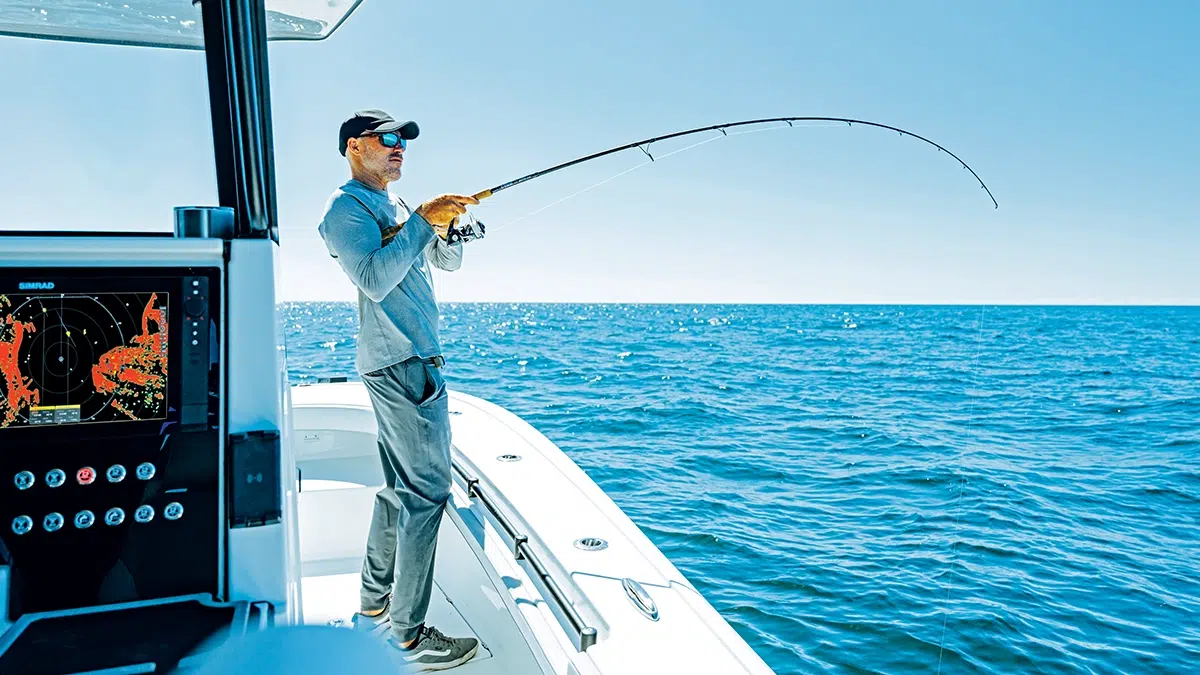
“In another situation, a sport fisherman is head down in the sonar screen, watching as he approaches his favorite grouper rock,” McMillian says. “The dangerous target alert goes off showing there is a dangerous target approaching from his starboard side. He taps the ‘Show’ button, and it immediately takes him to the radar screen showing where the target is with a vector pointing straight at his own vessel. On the sidebar is all the information on the vessel showing that it is going to pass 50 feet in front of his bow, in one minute. The captain reduces power and turns to starboard to pass port to port.”
Also Read:
Port Salerno, Florida: An Easygoing Taste of Old Florida on the Treasure Coast
By L.J. Wallace, Jr. In the enclave of Port Salerno, Florida, a relaxed blend of boats, bites, and breezy...
Updating Older Simrad HALO Radar Systems
Owners with older HALO radars can use AutoTrack. A simple update to the radar unlocks the feature, as long as the boat’s multifunction display has the latest software. The AutoTrack function will integrate with AIS by providing associated targets. Targets are associated when the software determines that the radar and AIS targets are one and the same.
“The advantage is that the target is updated much faster than what could be a 30-second update for Class B AIS (automatic identification system) targets,” McMillian says. “The system should be considered an aid to situational awareness. It does not integrate into autopilots to provide automatic obstacle avoidance.”